Type something to search...
Search through prompts, directories, and more.
No results found
Try a different keyword or check your spelling.
π Have a great day!
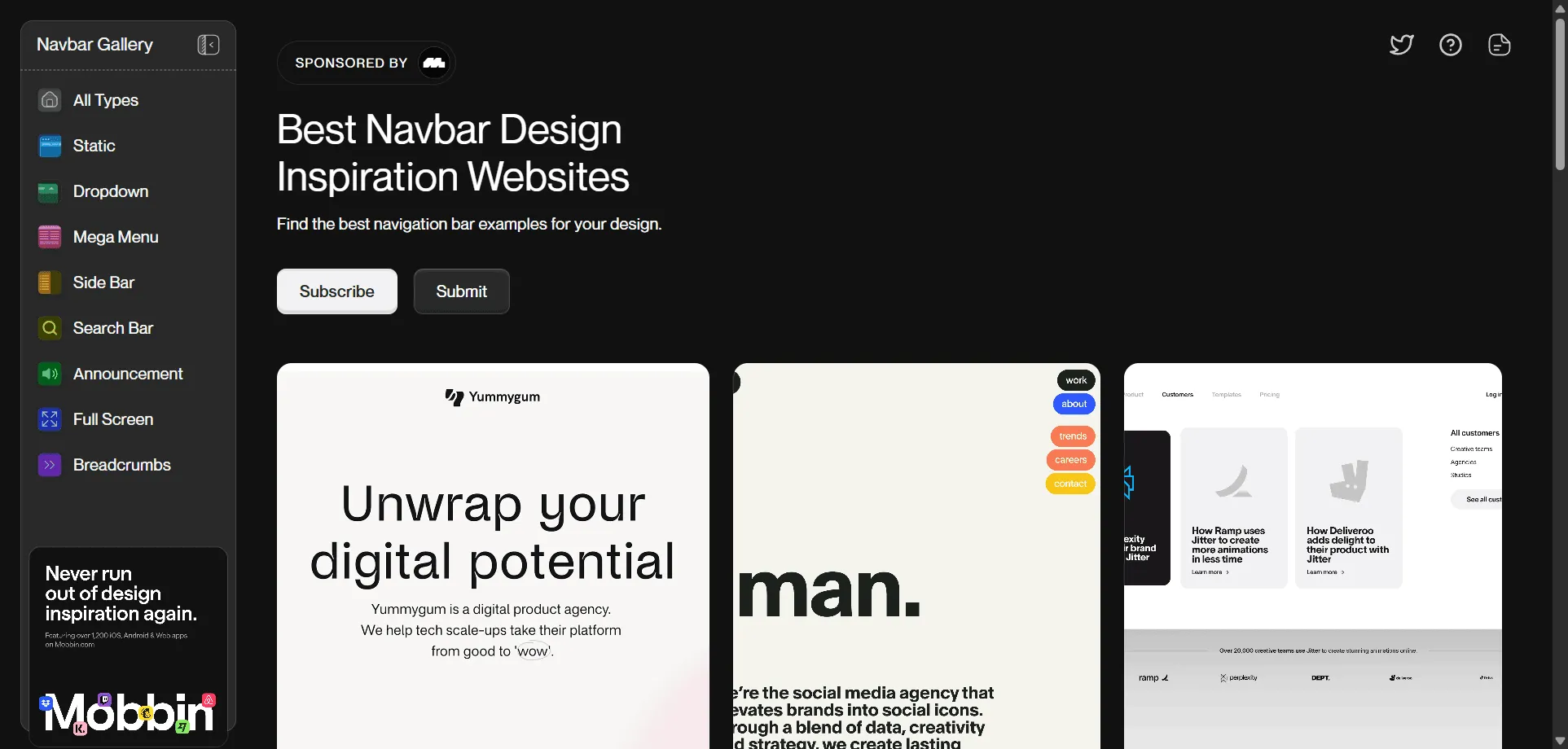
Navbar Gallery, navigation design inspiration showcases curated collection of navbar examples. Built for designers who want proven navigation patterns without endless research, this comprehensive platform combines mobile-responsive examples with desktop variations so you can discover ideal navigation solutions from brands like Framer, Jitter, and Sanity instantly, while sortable styles and categorized layouts enable seamless browsing across any design requirement without creative limitations. This resource empowers creative professionals with hand-picked navigation examples that actually work, ensuring every website project ships faster, converts better, and scales effortlessly across your entire design workflow with direct access to proven navigation patterns that enhance user experience and drive engagement through thoughtful design choices.
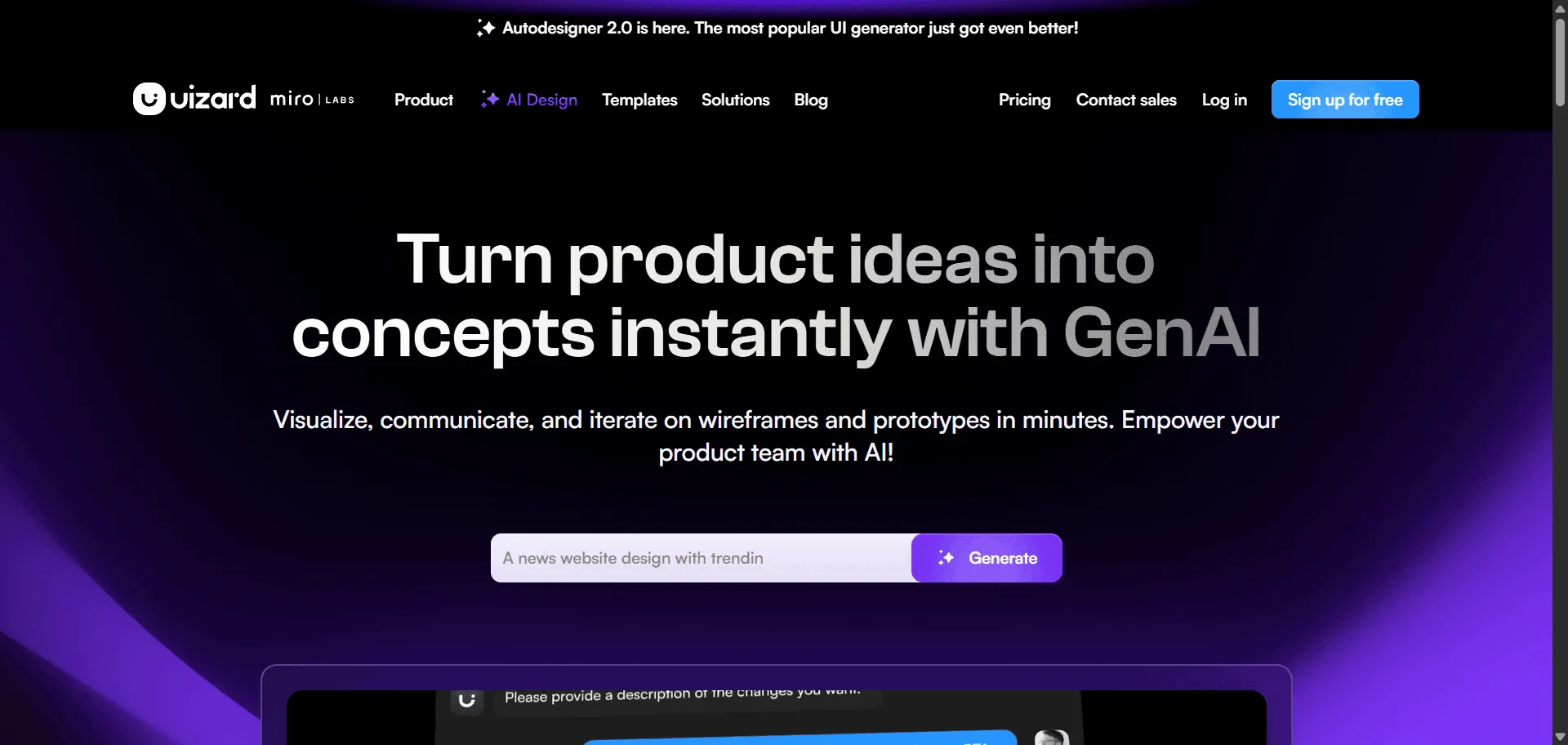
Uizard, AI UI design tool is the generative platform that transforms text prompts into interactive prototypes. Built for forward-thinking product teams, designers, and creative professionals demanding competitive advantage, it combines revolutionary Autodesigner 2.0 with intelligent Screenshot Scanner so you can generate complete multi-screen applications from conversational prompts and transform existing designs into editable masterpieces instantly, while Wireframe Scanner and dynamic Theme Generator enable breakthrough creative acceleration without design bottlenecks. This runs on a platform powering 9 cutting-edge AI features including Focus Predictor for user attention insights and Text Assistant for compelling copy generation, trusted by the world's most innovative companies since 2018, ensuring every product concept ships faster, looks exceptional, and scales exponentially. The comprehensive AI design ecosystem spans everything from hand-drawn sketch digitization to interactive prototype creation through intuitive conversational interface, giving you direct access to generative design intelligence that separates industry-leading product launches from outdated manual design processes across web, mobile, and enterprise innovation.
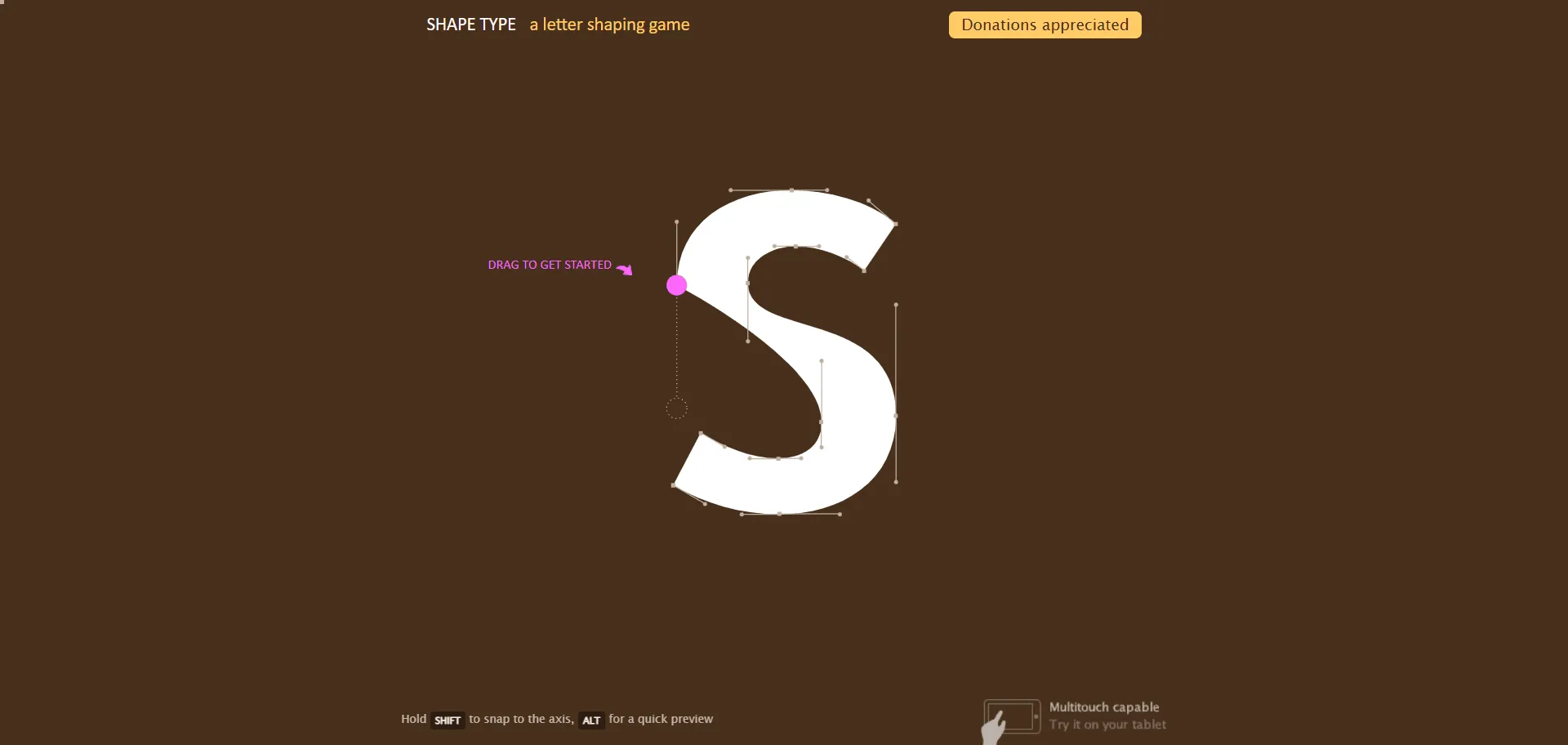
Typography game is the interactive design tool that transforms letter shaping into skill-building gameplay. Typography game Shape Type delivers hands-on letter shaping experience through bezier curve manipulation. Built for designers, students, and typography enthusiasts who want to master letterform construction, it combines drag-and-drop bezier handle controls with immediate visual feedback so you can understand how curves create perfect letter shapes, while similarity scoring and progressive difficulty enable skill development without overwhelming complexity. This runs on a platform trusted by the design education community as part of Method of Action's comprehensive design learning suite, ensuring every practice session builds stronger typographic fundamentals, sharpens your eye for letterform details, and scales effortlessly across your entire design education journey.
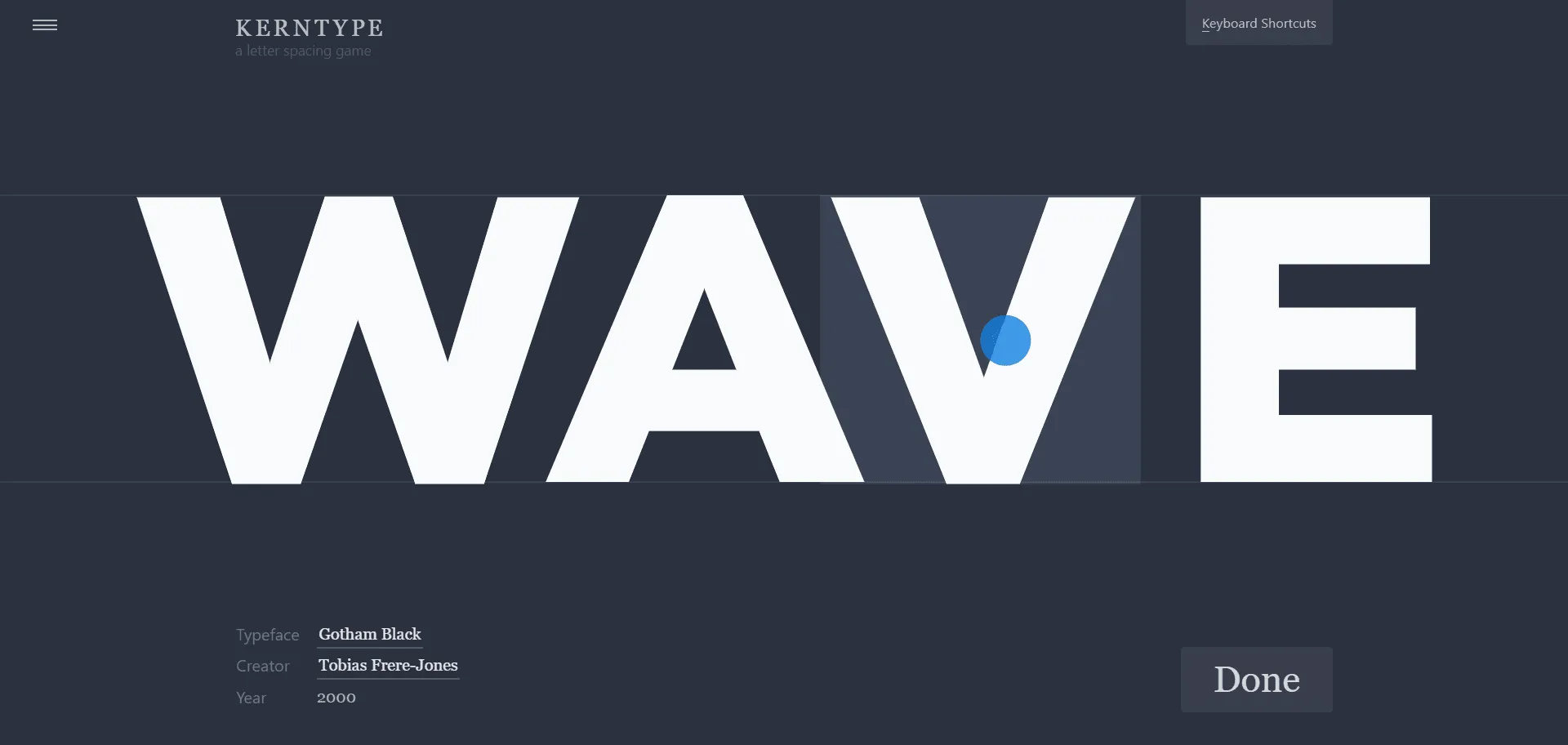
Kern Type is the typography training game that transforms poor letter spacing into professional design skills. Kern Type by Method of Action delivers interactive typography training that transforms amateur spacing into professional design skills. Built for designers, students, and typography enthusiasts, this browser-based game combines real typeface examples with expert scoring systems so you can practice kerning adjustments on actual fonts, while immediate feedback and precision scoring help you develop your typographic eye without tedious theory lectures. Each level presents different typefaces with locked first and last letters, challenging you to adjust spacing between characters until your solution matches professional standards. This runs on a platform trusted by design educators worldwide, ensuring every practice session builds muscle memory, sharpens visual precision, and develops the critical spacing skills that separate amateur from professional typography work.
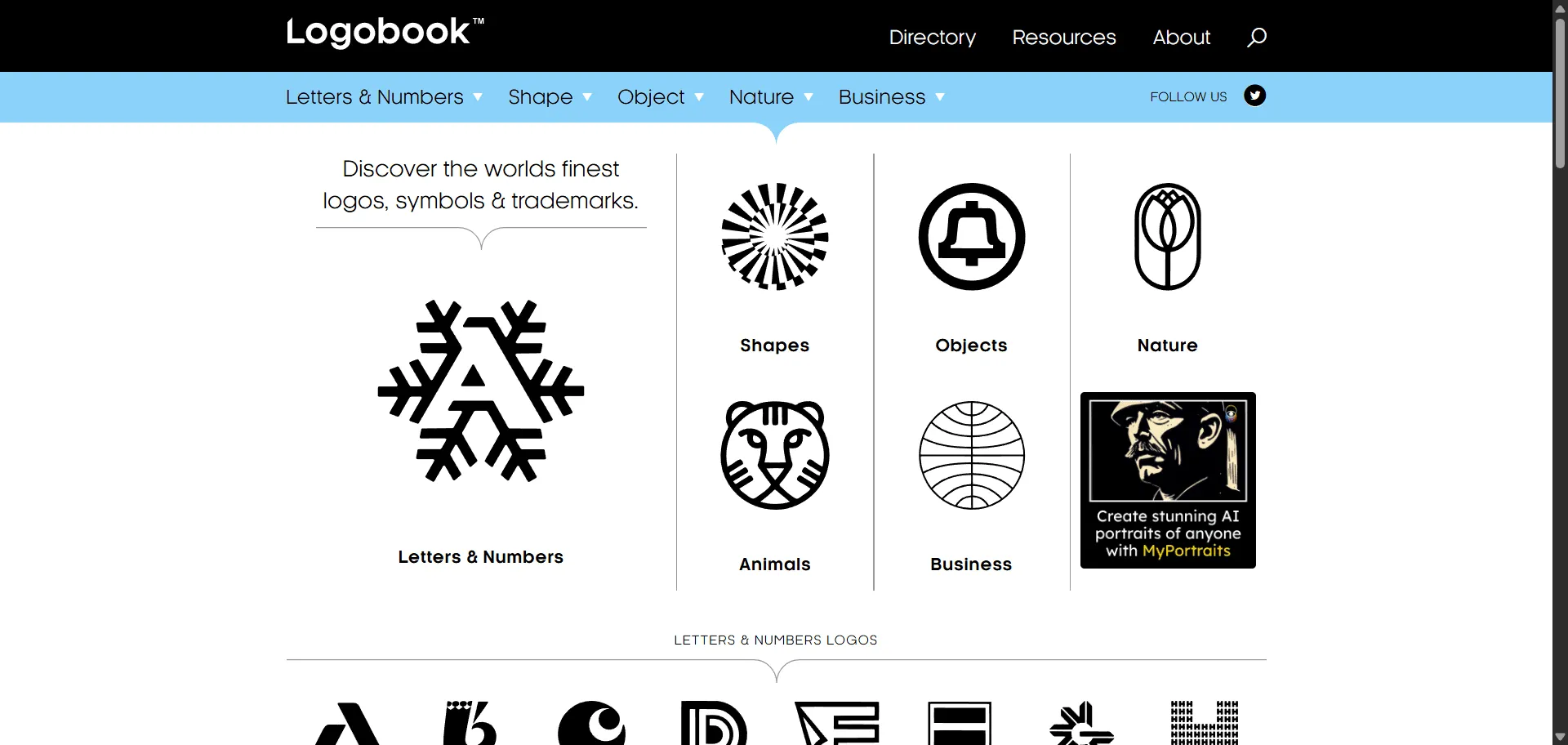
Logo design inspiration at Logobook features over 5000 finest logos searchable by designer, shape, object. Logo design inspiration platform Logobook showcases over 5000 carefully curated logos, symbols, and trademarks from the world's finest designers. Built for graphic designers, brand strategists, and creative professionals, it combines comprehensive search functionality with black-and-white presentation so you can focus purely on design excellence and form, while intuitive filtering by designer, shape, object, and business category enables rapid discovery of relevant references without visual distractions. This curated gallery serves as both inspiration source and originality checker, helping you avoid repetitive designs while exploring innovative approaches. Created by Svizra's international design community with the mission to improve global design standards, ensuring every logo concept starts with authentic inspiration, looks professionally refined, and scales effortlessly across all brand applications.
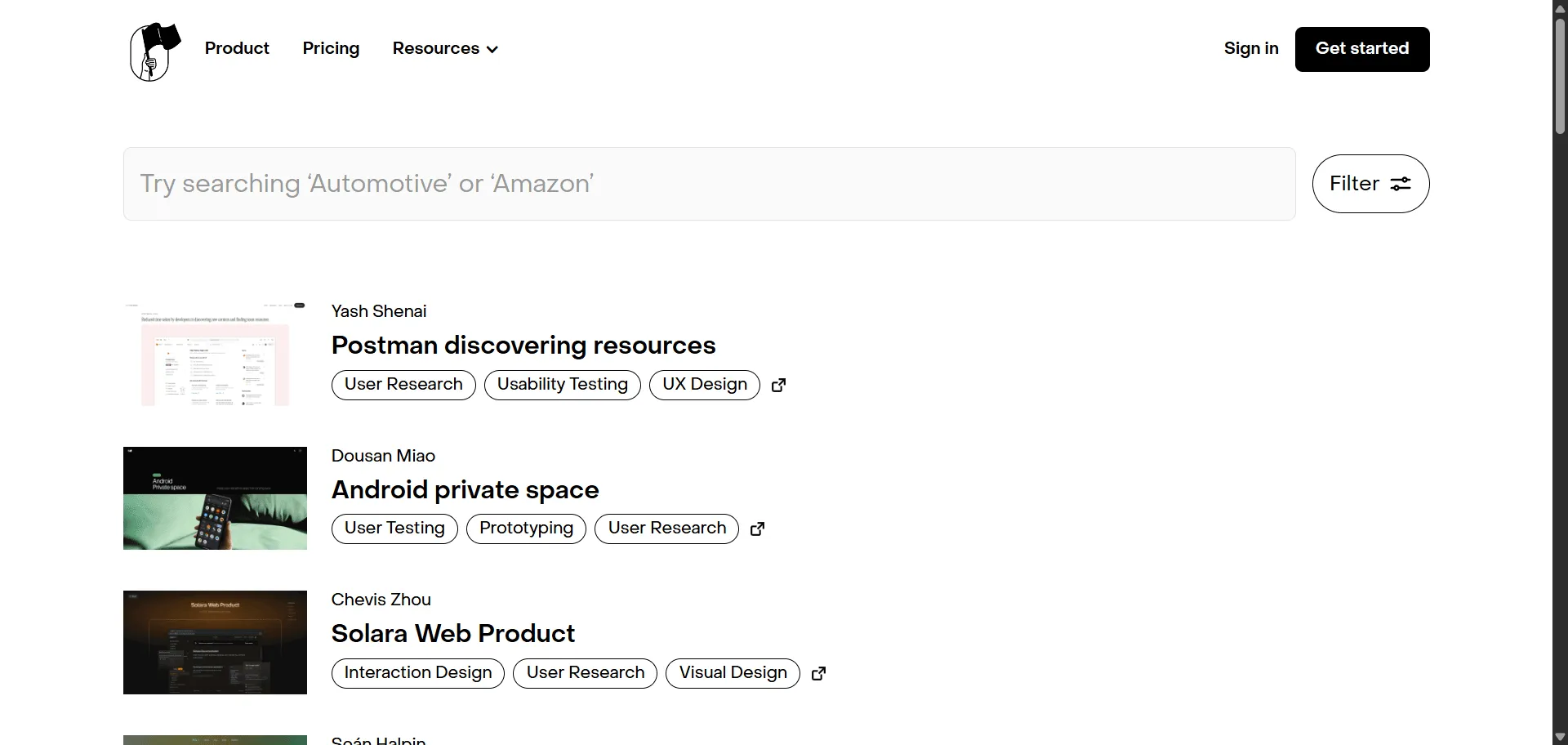
Case Study Club UX case studies platform curates weekly design insights. Built for designers, product managers, and creative professionals seeking real-world insights, it combines weekly expert curation with industry-leading case studies so you can learn from Apple, Google, and Spotify designers instantly, while free submission processes and newsletter distribution enable knowledge sharing without complex publication barriers. The platform showcases everything from LinkedIn home page redesigns to Spotify collaboration features, ensuring your skills stay current with contemporary design challenges and solutions. You can submit personal projects for free exposure or explore commercial featuring options while accessing detailed breakdowns of design processes, user research methodologies, and measurable outcomes. This runs on a system trusted by 33,000+ design professionals and featured across design communities, ensuring every case study delivers actionable insights that elevate your design thinking, portfolio quality, and problem-solving approach.
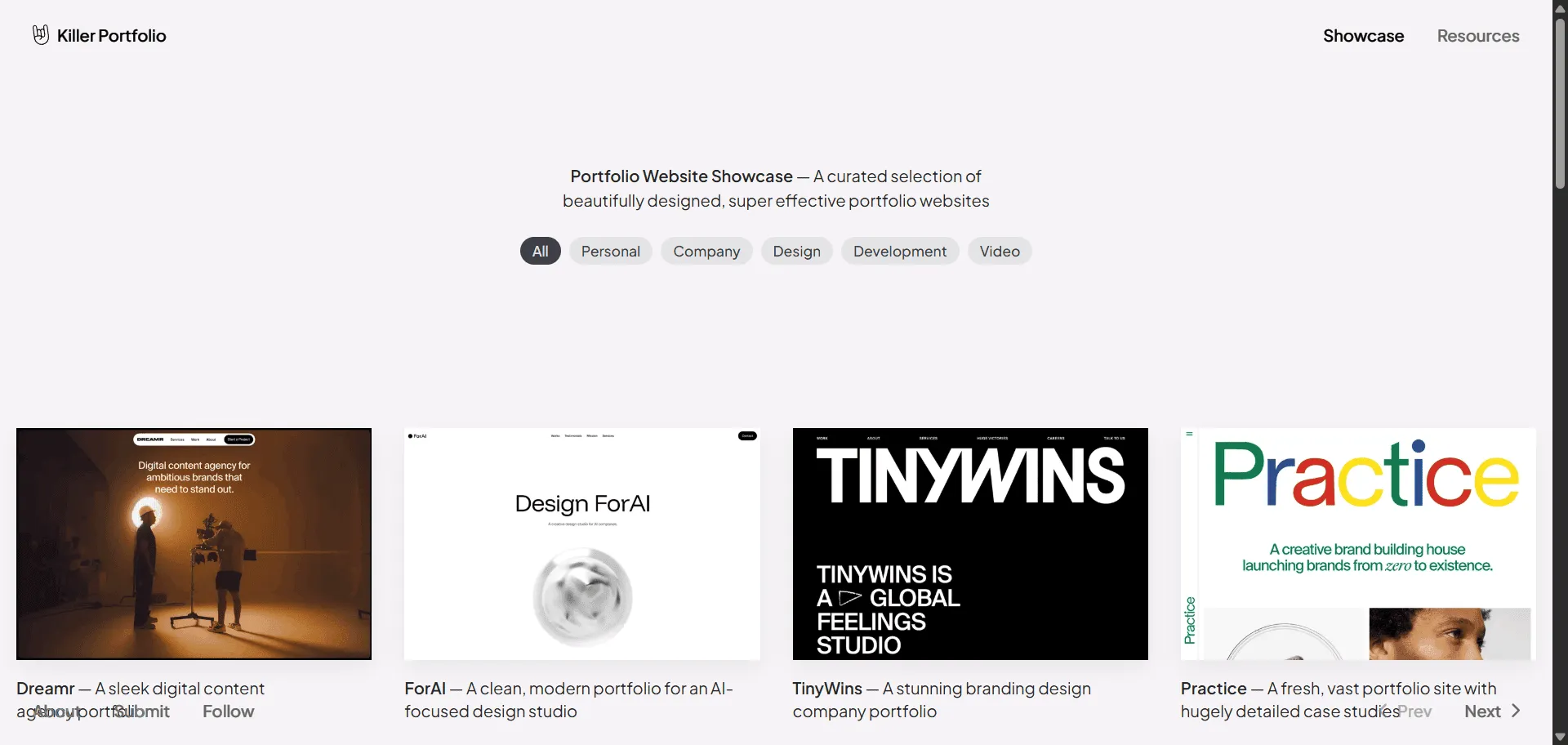
Killer Portfolio, portfolio inspiration is the showcase tool that eliminates design block with curated examples. Built for job-seeking and freelance designers, this curated gallery combines real portfolio website examples with a focused, no-clutter browsing experience so you can study how other designers present their work, while direct links to each live portfolio enable you to explore layout, case study structure, and visual style firsthand. Rather than abstract inspiration boards, every entry is a working portfolio you can study end to end. With a small but growing following of 92+ subscribers, Killer Portfolio gives designers a quick way to break through portfolio design block with concrete, real-world references.
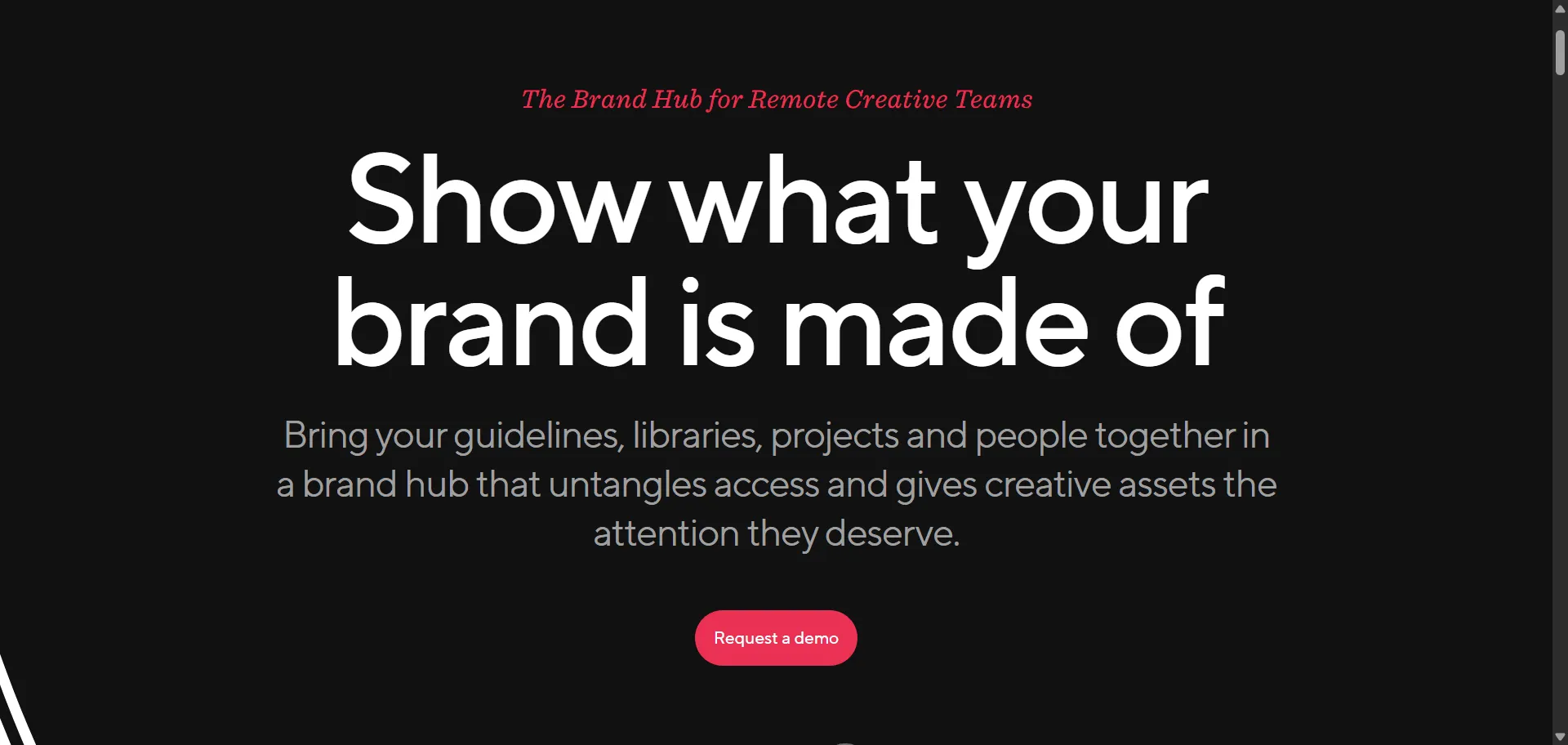
Brand hub management gets visual with Niice's creative collaboration platform. Built for remote creative teams and brand managers who need organized asset access without workflow chaos, it combines visual asset libraries with project collaboration canvases so you can present brand guidelines and creative work intuitively, while nested board organization and team collaboration features enable seamless creative reviews without miscommunication. This runs on a platform trusted by The Walt Disney Company and creative teams worldwide, ensuring every project ships faster, looks sharper, and scales effortlessly.
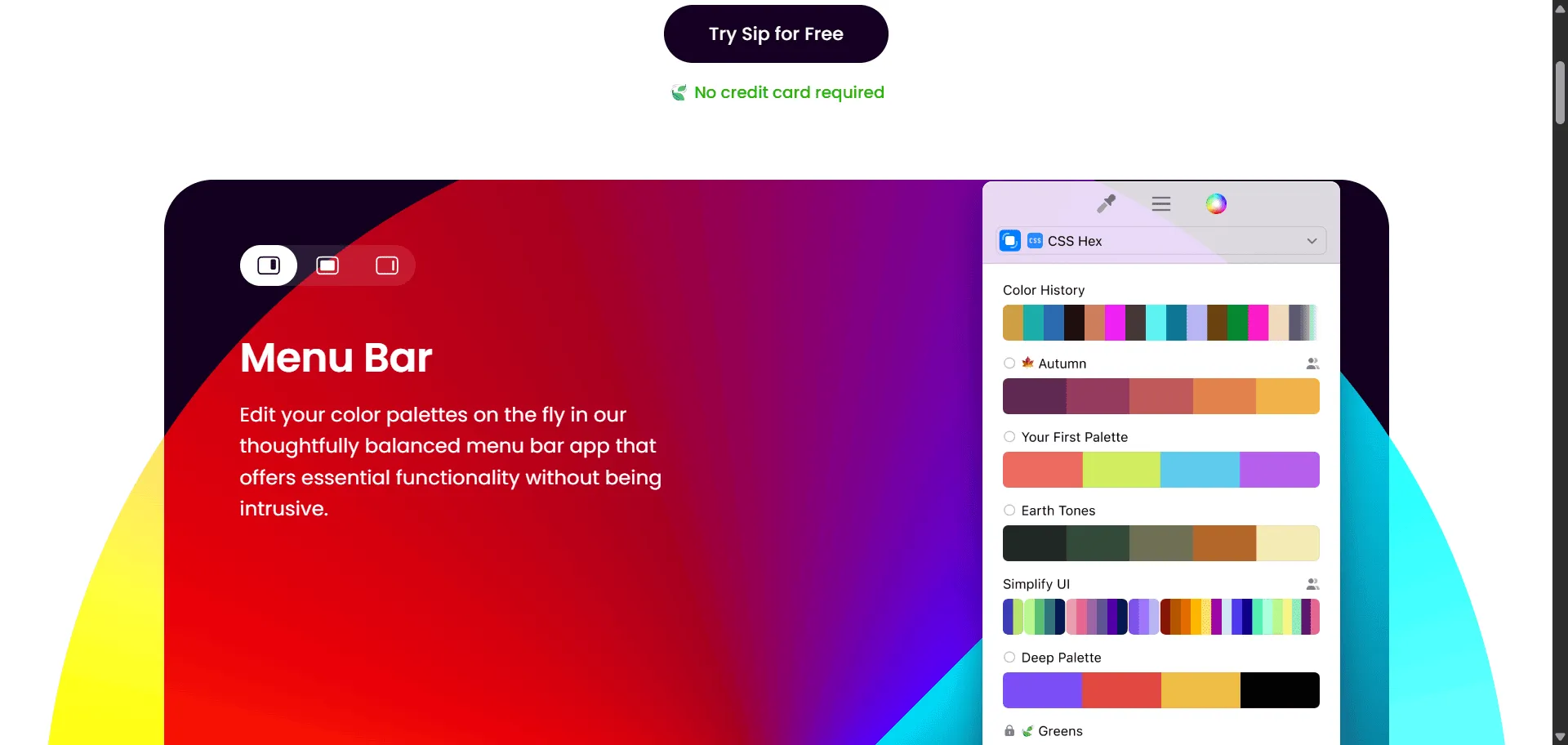
Color picker macOS is the native tool that transforms scattered color grabbing into organized design workflows. Color picker Sip delivers lightning-fast native macOS performance with intelligent organization capabilities. Built for designers, developers, and creative teams who demand efficiency, it combines smart palettes with contrast checking so you can grab colors from anywhere on screen and organize them instantly, while multiple format support and team collaboration features enable seamless workflow integration without switching between tools. This runs on a platform trusted by creative professionals worldwide with continuous updates including color blindness simulation, smart profiles, and Sign in with Apple sync, ensuring every project ships faster, looks sharper, and scales effortlessly across your entire design system.